Author, Steve Davies | LocalBizNet.com
Is Your Google Business Profile Helping Your Business... or Holding It Back?
Most business owners know they have a Google Business Profile, but very few have looked at it closely in months—or even years. An outdated category, old photos, incorrect business information, or missed opportunities can quietly cost you visibility and customers without you ever realizing it. In this article, we'll walk through 15 of the most important areas to review so your Google Business Profile continues working as one of your most valuable local marketing tools.
If there's one marketing tool that local businesses tend to overlook, it's their Google Business Profile.
Most business owners claim it, add a few photos, fill in their hours, and move on. Months turn into years, and before long the profile no longer reflects the business they're running today.
Meanwhile, competitors are updating their profiles, responding to reviews, adding fresh photos, publishing posts, and giving Google every reason to believe they're active and engaged.
That's important because your Google Business Profile is no longer just a listing on Google Maps. It's one of the primary sources Google uses when deciding which businesses to show in local search, and it's increasingly being referenced in AI-powered search results as well.
One thing that's become obvious over the last few years is this: businesses that consistently maintain their profiles usually outperform businesses that only think about them when something goes wrong.
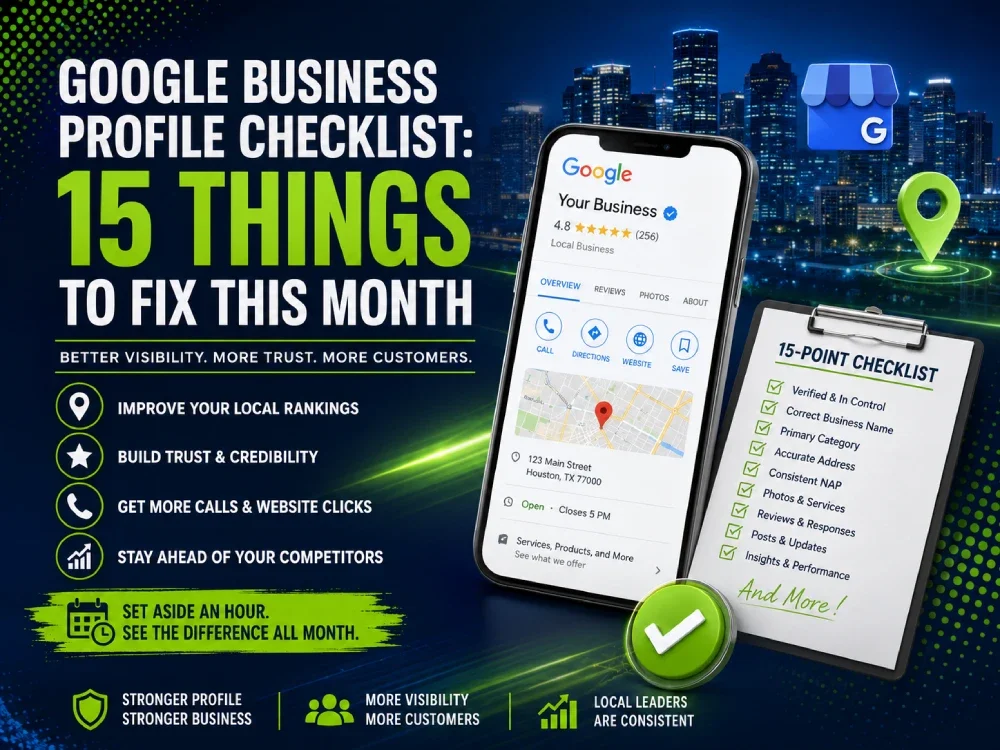
Below are fifteen areas worth reviewing this month. They're the same things that are commonly checked when evaluating and optimizing a Google Business Profile for local businesses.
1. Make Sure You're Actually Managing the Right Profile
It sounds simple, but this is one of the first things worth checking.
It's surprisingly common to find businesses that don't actually control the profile customers are seeing. Sometimes the profile was automatically created by Google years ago. Other times it's still owned by a former employee or a marketing company that no longer works with the business.
Before making improvements, make sure you're working with the correct profile and that ownership and manager permissions are up to date.
2. Take an Honest Look at Your Business Name
Google wants your business name to match your real-world branding.
Yet it's still common to see businesses adding city names, services, or marketing phrases in an attempt to improve rankings. While that may have worked years ago, Google's guidelines have become much stricter, and keyword-stuffed business names can create unnecessary problems.
If your storefront says "ABC Plumbing," that's what your Google Business Profile should say too.
3. Is Your Primary Category Still Accurate?
One of the first things reviewed during a profile audit is the primary business category.
Businesses evolve over time. Services change. Some specialties become a larger part of the business while others fade away.
If your primary category no longer reflects what you primarily do today, it may be worth revisiting. This single field helps Google understand when your business is relevant to a customer's search.
4. Don't Try to Be Everything
Secondary categories can be helpful, but more isn't always better.
A mistake that's seen fairly often is businesses selecting every category that seems remotely related to what they offer. In reality, a focused profile often performs better than one that's trying to cover every possible service.
Choose categories that genuinely represent your business today—not services you occasionally perform or hope to offer someday.
5. Review Your Address and Service Area
This is another section that often gets overlooked after the profile is first created.
If customers visit your location, make sure your address is accurate and easy to find. If you travel to customers instead, review your service area and make sure it reflects where you actually do business.
Trying to cover an overly large area doesn't necessarily improve visibility. In many cases, it can actually weaken your local relevance.
6. Make Sure Your Business Information Matches Everywhere
Consistency matters.
Your business name, address, and phone number should match across your website, social media profiles, online directories, and your Google Business Profile.
Customers may never notice small inconsistencies, but search engines certainly can. Keeping this information consistent helps reinforce trust and eliminates unnecessary confusion.
7. Read Your Business Description Like a Customer Would
When was the last time you actually read your business description?
Many businesses haven't updated this section in years. Others have descriptions that sound like they were written only for search engines.
A good business description should explain what you do, who you help, and what makes your company different—all in language that feels natural to a potential customer.
If it sounds like something you'd actually say during a conversation, you're probably on the right track.
8. Make Sure Your Services Reflect Your Business Today
Businesses grow and change, yet many profiles continue displaying outdated services while overlooking newer ones.
Take a few minutes to review your services and compare them with what's listed on your website. Keeping these consistent makes it easier for both customers and Google to understand exactly what your business offers.
9. Fresh Photos Matter More Than You Think
One of the quickest ways to make a business look inactive is with outdated photos.
It's amazing how many profiles still feature pictures that are several years old. Customers notice that, even if they don't consciously realize it.
Fortunately, you don't need a professional photographer every month. Photos of completed projects, your staff, your storefront, products, company vehicles, or even your office help demonstrate that your business is active and operating today.
10. Every Review Deserves a Response
Reviews aren't just about collecting five-star ratings.
Potential customers are also paying attention to how businesses respond.
Thoughtful replies—whether the review is positive or negative—show professionalism, appreciation, and a willingness to engage with customers. Generic copy-and-paste responses, on the other hand, tend to feel impersonal.
A few minutes spent responding to reviews can leave a lasting impression on future customers.
11. Don't Let Your Reviews Become Stale
It's great to have fifty or one hundred positive reviews.
It's even better when some of them were written recently.
Fresh reviews reassure potential customers that your business is still active and consistently delivering good service. Building a steady flow of genuine reviews throughout the year is usually much more effective than receiving dozens over a short period and then going quiet.
12. Keep Your Profile Active
Google gives businesses several ways to show they're active, and one of the easiest is by publishing Google Posts.
Whether you're announcing a new service, sharing a completed project, offering a seasonal promotion, or providing helpful information, occasional updates demonstrate that your business is engaged and current.
You don't have to post every day. Consistency is far more important than frequency.
13. Check the Questions & Answers Section
Many business owners don't even realize this section exists until someone points it out.
Because it's public, anyone can ask a question—and anyone can answer it.
Reviewing this section periodically helps ensure customers are receiving accurate information directly from your business instead of relying on guesses from strangers.
14. Don't Forget About Your Business Hours
Incorrect business hours create frustration faster than almost anything else.
Customers expect the information they see on Google to be accurate. If your schedule changes for holidays, vacations, or special events, updating your hours takes only a minute and helps prevent unnecessary disappointment.
It's a small detail that contributes to a much better customer experience.
15. Look Beyond Profile Views
Google Business Profile Insights provides valuable information about how customers interact with your business.
While profile views are interesting, they're rarely the most important number.
Instead, pay attention to phone calls, website visits, direction requests, and other actions that indicate someone is genuinely interested in doing business with you. Those are the metrics that often translate into real opportunities.
Why This Matters More Than Ever
A few years ago, a Google Business Profile was simply another place where customers could find your phone number and directions.
Today, it's much more than that.
Google increasingly relies on Business Profile information when generating local search results, business recommendations, and AI-powered summaries. A complete, accurate, and active profile helps build trust—not only with Google, but with the people deciding whether to contact your business.
The businesses that consistently perform well aren't necessarily making dramatic changes every week. They're simply paying attention to the details and keeping their profiles current.
A Little Maintenance Goes a Long Way
One of the biggest misconceptions about Google Business Profile is that it's something you set up once and forget.
The reality is that it works best when it's treated like any other part of your marketing. Review it regularly, keep your information accurate, add fresh photos, respond to customers, and make updates as your business evolves.
Those small improvements may not seem significant individually, but together they help create a profile that inspires confidence and accurately represents your business.
Rather Spend Your Time Running Your Business?
If you've worked through this checklist and realized your Google Business Profile could use some attention, you're certainly not alone.
Many business owners know their profile needs work—they simply don't have the time to keep up with Google's changes while running their business.
That's where LocalBizNet can help.
For a limited time, we're offering a complete Google Business Profile setup or overhaul for just $197. We'll review your profile, identify opportunities for improvement, optimize key sections, verify important business information, and make recommendations designed to strengthen your local presence.
When you consider that your Google Business Profile is often the first impression potential customers have of your business, a one-time investment of $197 can pay for itself many times over. Just one or two new customers gained because your profile stands out more effectively could easily cover the entire cost. Rather than thinking of it as another business expense, think of it as an investment in one of your most valuable marketing assets.
To ensure every project receives the attention it deserves, this special offer is available to the next five businesses that contact us.
If you'd like an experienced local marketing partner to handle the details for you, learn more about our Google Business Profile Optimization Service